
This guide is how to change your Caller ID (the default (321) 251-2022 number is the MedWatch company number) in the RingCentral app.
1. Click the Settings button at the bottom left corner of the RingCentral App

2. Click on "Phone" tab under where it says MedWatch, LLC
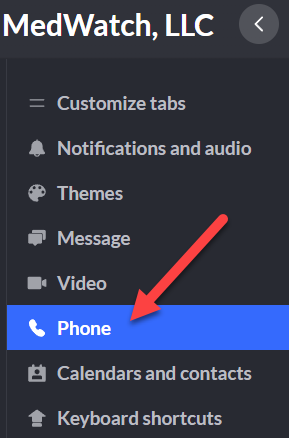
3. Look for "Default caller ID" under the "Outgoing calls" section and select the drop down box.
4. In the drop down box, scroll up until you see "Direct number" and select it (should be your number)

You have successfully changed your Caller ID.
Comments
0 comments
Article is closed for comments.